Experiencing MacBook battery, charging, screen or performance problems? Mac Care Centre provides MacBook diagnosis and repair services for customers in Dera Bassi and nearby areas, with clear communication and repair options tailored to your device.
Your MacBook plays an important role in your work, studies and everyday activities. When it stops charging, runs slowly or develops a hardware problem, a proper diagnosis can help you understand the best way forward.
At Mac Care Centre, we provide MacBook repair and servicing for customers from Dera Bassi and surrounding areas. We help diagnose common problems involving batteries, charging, screens, keyboards, trackpads, overheating and macOS performance.
Our aim is to explain the issue clearly and recommend a suitable repair solution based on your MacBook’s condition.
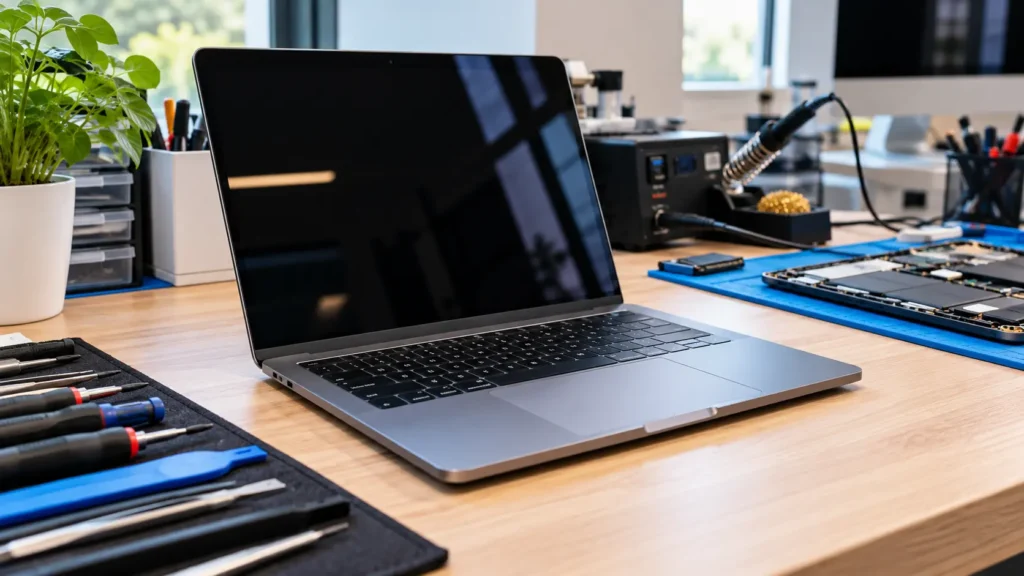
MacBook problems can range from simple charging issues to more complex hardware and software faults. We help diagnose a variety of common MacBook problems.
| Repair | What we fix | Typical time |
|---|---|---|
| Screen replacement | Cracked, flickering, lines on display, black screen | 1 to 2 days |
| Battery replacement | Fast drain, swelling, "Service Recommended" warning | Same day |
| Logic board repair | No power, no display, boot loops, component failure | 2 to 5 days |
| Liquid damage repair | Water, tea or coffee spills, with data protected first | 2 to 5 days |
| Keyboard and trackpad | Stuck or dead keys, unresponsive trackpad | 1 to 3 days |
| Charging problems | Not charging, port faults, power circuit issues | 1 to 2 days |
| Slow or overheating MacBook | Cleaning, thermal paste, SSD upgrade | Same day |
Times depend on your model and part availability, and we confirm them with your quote. For details on each repair, see our MacBook repair services.
Not sure which model you have? Click the Apple menu > About This Mac, or send us a photo of the bottom panel on WhatsApp.
Intel models and Apple Silicon M1, M2, M3 and M4.
13", 14", 15" and 16" models, Intel and Apple Silicon M1 to M4.
Older MacBook and MacBook Retina models.
We fix the faulty component instead of replacing the whole logic board, which often costs far less.
A clear price after diagnosis, and nothing starts without your approval.
We explain the parts options and the price difference, so you decide.
Every MacBook repair comes with a written warranty on the part and our work.
We’re an independent Apple repair specialist, not an Apple Authorised Service Provider. If your MacBook is still under Apple warranty or AppleCare, we’ll tell you before we start.
Address: SCO 22-23 (Basement), Madhya Marg, Sector 9D, Chandigarh 160009
Hours: Monday to Saturday, 10:30 AM to 6:30 PM
Phone: +91 99150 12293
Areas around Dera Bassi include:
Dera Bassi Main Town, Mubarakpur, Bhankharpur, Lalru, Zirakpur, Dhakoli
Need other Apple repairs? See Apple repair in Dera Bassi.
We also handle iPhone repair in Dera Bassi, iPad repair in Dera Bassi and iMac repair in Dera Bassi. Our main workshop is in Sector 9D, Chandigarh. Read more about MacBook repair in Chandigarh.
Before you visit, this guide may help: common MacBook problems and how to fix them.
Answers to the questions Dera Bassi customers ask us most about MacBook repair.
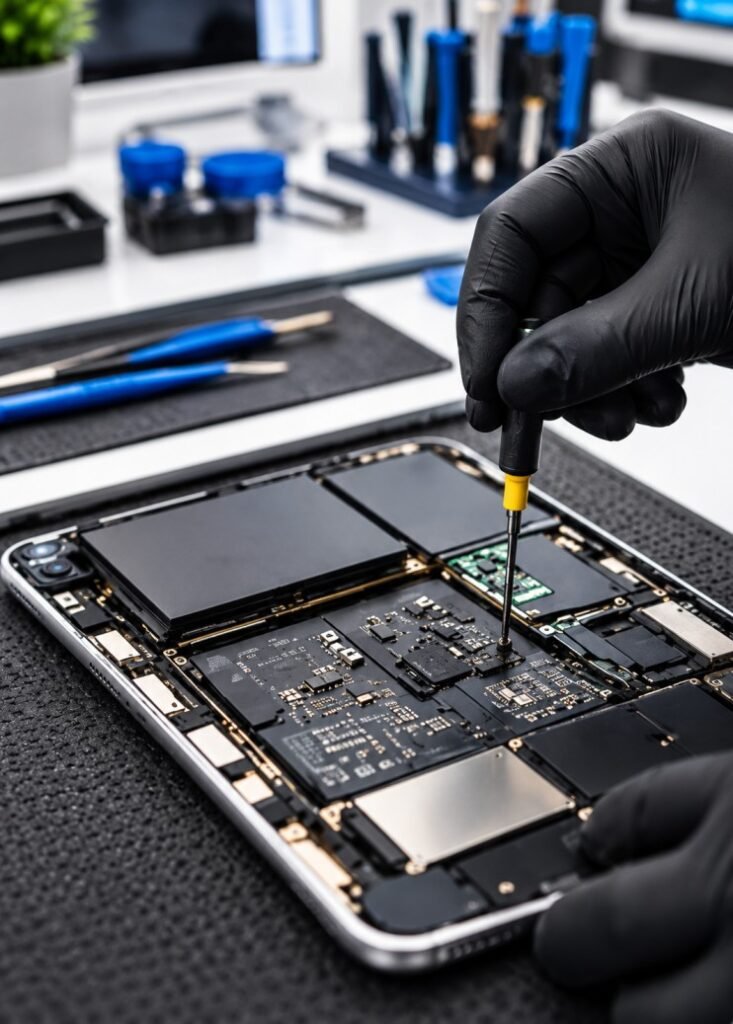
The cost depends on your MacBook model, the problem and the repair required. Contact Mac Care Centre for a diagnosis and repair estimate.
We can assess battery-related problems and explain the available replacement options for your MacBook model.
We can inspect the display and advise on the appropriate repair or replacement solution.
We can assess a MacBook after liquid exposure and determine the appropriate next steps. Switch off the device and avoid charging it until it has been assessed.